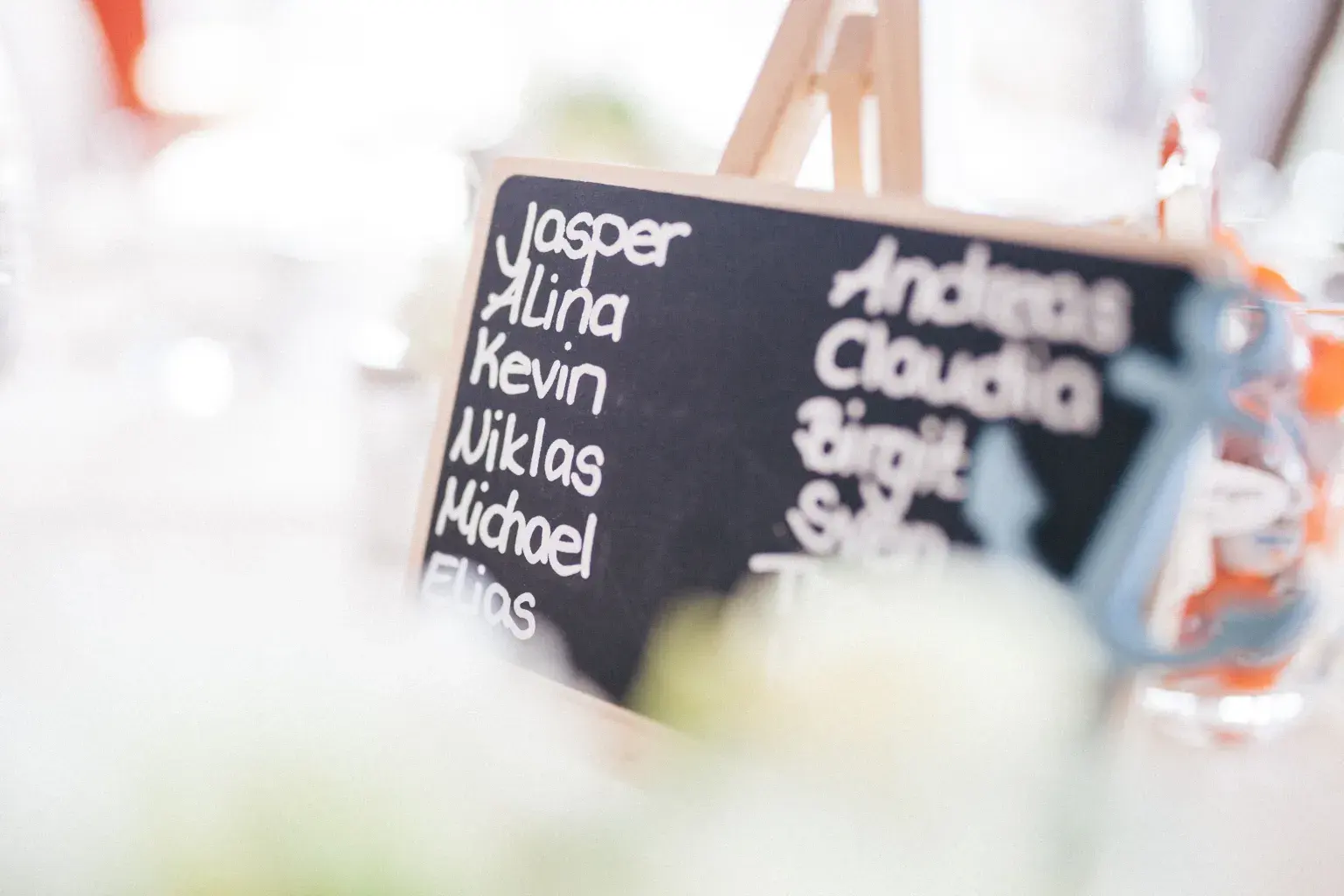
The sources we checked don’t support a universal table-size rule or etiquette formula, so confirm physical and legal limits with the venue and qualified professionals.
A wedding seating chart starts with confirmed lists
Make four lists before you move a single name: confirmed attendees, the venue’s table and seat count, service details such as recorded meal choices, and the preferences or conflicts you set as a couple. Keep “invited,” “responded,” “attending,” and “assigned” as separate statuses. An invitation doesn’t hold a seat until the guest confirms, and a floor plan sketch found online can differ from the venue’s approved plan.
Zola’s generic planning checklist places budget and a draft guest list early in planning.
Treat that timeline as general platform guidance. Keep notes neutral wherever possible. The file might need “requested aisle proximity” or “cannot use stairs,” but it rarely needs a guessed diagnosis or a private family history. Keep sensitive notes to the people who need them, and share only what guests and staff need.
The sources we checked don’t establish ideal table sizes, who must sit together, whether you need assigned seats, or any etiquette ranking. Those choices are yours for this event. Write your own labels, and note who asked for each one.
You might use “requested together,” “prefer separation,” “needs easy exit,” or “host decision pending”. Keep accessibility in its own column, apart from preferences. The Department of Justice says ADA standards and regulations govern physical-accessibility requirements for covered facilities, and whether they apply depends on the entity and its construction or alteration history.
Ask the venue for facts about the actual space, and take compliance questions to qualified help. If a guest’s need conflicts with the current layout, mark it still open and ask the venue contact: “A guest has an access need the current layout doesn’t meet. What can the room offer?” Write down the need and the answer side by side.
Don’t quietly move the guest somewhere worse to make the problem go away.
Turn the room into a seating list you can check
Give every place in the room a fixed label: room, table, and seat, or table capacity as the venue provides it. Then run three checks.
Every attending guest appears exactly once. No table holds more people than the venue confirmed for that table and layout. Every accessibility, meal-service, age, relationship, or venue note is met, knowingly set aside by you as a couple, or still open.
These checks are our own planning method. They make gaps visible, and someone else can follow the assignments without decoding colored sticky notes. At the top of each version, write down confirmed attendees, assigned attendees, unassigned attendees, duplicate assignments, and seats left under the venue’s limits. Make sure the first three add back up before anyone talks about who sits where.
Keep your guest count tied to your venue and catering numbers. WeddingWire says venue pricing can vary with guest count and whether in-house catering is included.
Thumbtack says event-catering totals depend on attendance and other factors, that catering is typically quoted per guest, and that service style produces substantial differences. Neither source gives a seating rule. Together they explain why the chart’s confirmed count has to match your current venue and catering assumptions.
A name added after the catering guarantee or a layout change may also change cost, service, and space, so give it someone to handle it. Use the caterer’s own categories in the service fields. If a meal answer is missing, give it an owner and a deadline. Don’t infer dietary or accessibility details from another guest or from an earlier event.
Move from responses to version one without pretending the list is final
Pick a cutoff date for the first version you assign, and log later replies as changes. If paper responses are involved, USPS lists First-Class Mail letters at an expected one-to-five days and notes that distance affects speed. It does not guarantee delivery, and that estimate leaves out invitation production, addressing, forwarding, and the time a guest takes to decide.
Plan from your actual mail date, digital replies, follow-up plan, venue deadline, and catering deadline.
Put a response-status date on the chart, so everyone can tell a late reply from a missed entry. Keep the reply record apart from the seating view. One person can then chase missing replies without moving tables, while another tries placements without changing anyone’s RSVP status. That split cuts down on accidental edits in the busiest planning week.
Build version one in passes. First, seat guests with documented physical or service needs. Next, place the groups you’ve decided must sit together. Then seat everyone else who confirmed, using the preferences you chose.
Last, check for missing names, duplicates, over-capacity tables, and needs that are still open. Keep a short unassigned list, and leave an unclear guest on it until you know more.
An event planner’s listed duties include coordinating rooms and food and inspecting venues, according to BLS. Whether a planner, venue lead, caterer, or the couple handles each check, write that person’s name beside it. After each pass, ask each other: “What did we just assume?”
If the answer is “they probably know each other” or “that table should fit,” check it, mark it as your preference, or move it to the open list.
Two hypothetical layouts show how change control prevents chaos
Example numbers, Scenario A: 96 confirmed attendees and a venue-approved layout of twelve tables with eight stated positions each. The math fits exactly with zero spare seats, so every addition needs a removal, an approved layout change, or a different way of assigning seats. A family of five asks to sit together, two guests report mobility-related needs, and three meal records are still open.
Fitting every name doesn’t make the chart “done”. It’s ready when the venue facts and guests’ needs are reflected, every person appears once, each meal exception has an owner, and you’ve settled the relationship preferences. An exact fit only shows that no table went past the entered limit. Ask the venue to confirm that the actual arrangement is comfortable and serviceable, and write that on the scenario note.
Scenario B starts with the same 96 attendees. After version one, one guest declines and another accepts. Dragging one name over the other looks tidy and loses the history. Record both status changes, keep the departing guest’s old seat in the history, and check whether the new guest brings different meal or access needs.
Rerun the checks and send version two with a short change note: “Guest A declined; Guest B accepted; meal and access fields reviewed; two assignments changed.” If the venue revises the floor plan at the same time, log that as its own change. The table names can stay the fun part, and plain, readable version numbers keep the plan safe.
A note like that tells vendors to replace the old file on purpose, so nobody merges charts that disagree.
Verify the real room, backup plan, and applicable access facts
Ask the venue for its latest approved layout. Mark entrances, accessible routes the venue describes, restrooms, service paths, emergency exits, the move from ceremony to reception, dance or performance areas, and any weather-backup spaces in your plan. DOJ’s page explains that choosing the applicable ADA standard matters and that requirements can depend on a facility’s status and history.
A seating diagram can’t settle compliance. Ask the covered entity for current information, and bring in a qualified accessibility or legal professional when the venue’s answer doesn’t resolve an important question. Write down the venue’s stated features, the needs guests shared, and the questions still open. Keep legal conclusions off the seating chart and out of any guest’s placement.
An outdoor layout needs a real, working backup plan. The National Weather Service says organized outdoor activities should have and consistently follow a lightning-safety plan, stop when lightning is seen or thunder is heard, use substantial buildings or hard-topped metal vehicles for protection, and wait at least 30 minutes after the last thunder before resuming. It specifically warns that tents and small outdoor structures are not lightning-safe shelters.
For seating, that guidance can decide whether the backup space needs a second seating plan, and who has the authority to move everyone there. Name the backup location in the file and note whether its table labels differ. Ask the venue: “If we move to the backup space, who makes the call, and do the table labels change?”
Map the seats ahead of time, so nobody has to redraw the reception while the weather turns.
Publish one controlled seating version to the people doing the work
Before you hand off the chart, check it against the confirmed guest record, the current meal or service list, and the latest venue-approved layout. Make a guest lookup sorted by name and a service view sorted by table, and keep sensitive notes off public displays. Mark each version with its label, the time you made it, who owns it, and the next change deadline.
Catering often scales with attendance and service style, according to Thumbtack, so give the caterer the fields it needs. Give the venue or planner the layout and working notes they’ve agreed to use. Write down who owns the master copy, when staff should stop using printed copies, and where to find the newest version.
A sign, a catering list, and a planner worksheet can drift apart even when the seats underneath are right.
Run a final six-part check. Every attendee appears exactly once, only attending guests have seats, no table goes past the venue’s confirmed capacity, every documented need is settled or passed to the right person, every late change is logged, and everyone holds the same version. If you’re marrying at a regulated public location, check its own permit conditions.
Arches National Park, for example, limits weddings to approved locations and conditions under its specific permit process. That rule is specific to that park, which is why your own location’s documents go in the folder. After the event, archive the final working version and handle sensitive notes under the privacy plan you agreed on. Keep it for settling vendor-count questions, and don’t let it become a file that’s shared indefinitely.
Try it now
Check the table plan before assigning anyone.
Check usable seats from the venue-approved table count and layout, and how many tables of your size would seat everyone. This checks capacity only. Confirm the room fits those tables; it does not store names or replace the venue floor plan.
Use a whole number from 1 to 500.
Use a whole number from 1 to 100.
Use a whole number from 1 to 30.
Use a whole number from 0 to 100.
Frequently asked questions
Does every wedding need assigned seats or assigned tables?
Not by any universal rule in the sources we checked. Choose the level of assignment that fits your venue, service plan, guest needs, and hosting style. If you assign anything, work from the venue’s current layout, list every confirmed attendee exactly once, and hand off a numbered version.
When should I start the wedding seating chart?
Set up your lists early, and make the actual assignments from current replies and venue limits. Zola places a draft guest list early in its generic checklist, while USPS says First-Class Mail delivery is expected in one to five days and varies by distance. Neither source sets a universal seating deadline, so count back from your real venue and catering cutoffs.
What is the ideal number of guests at each table?
The sources we checked don’t support a universal number. Use the capacity and layout the venue confirms for that specific table, then allow for service movement and documented accessibility needs. Ask the venue: “How many guests fit at this table in our layout?”
How should accessibility needs affect seating?
Write down what guests and the venue tell you, check the actual route and space, and settle conflicts with qualified help. DOJ says applicable accessibility requirements depend on the facility and covered entity, among other facts. A seating chart or venue photo can’t establish ADA compliance on its own.
What should I do when an RSVP changes after assignments?
Log the status change and issue a new version. Keep the old seat in the history, check the meal, access, relationship, capacity, and cost effects, and rerun the checks. Attendance can affect catering totals and venue pricing, so the change may take more than moving one name.
Last reviewed . Editorial standards